Purchase approval workflows: from email chains to a system
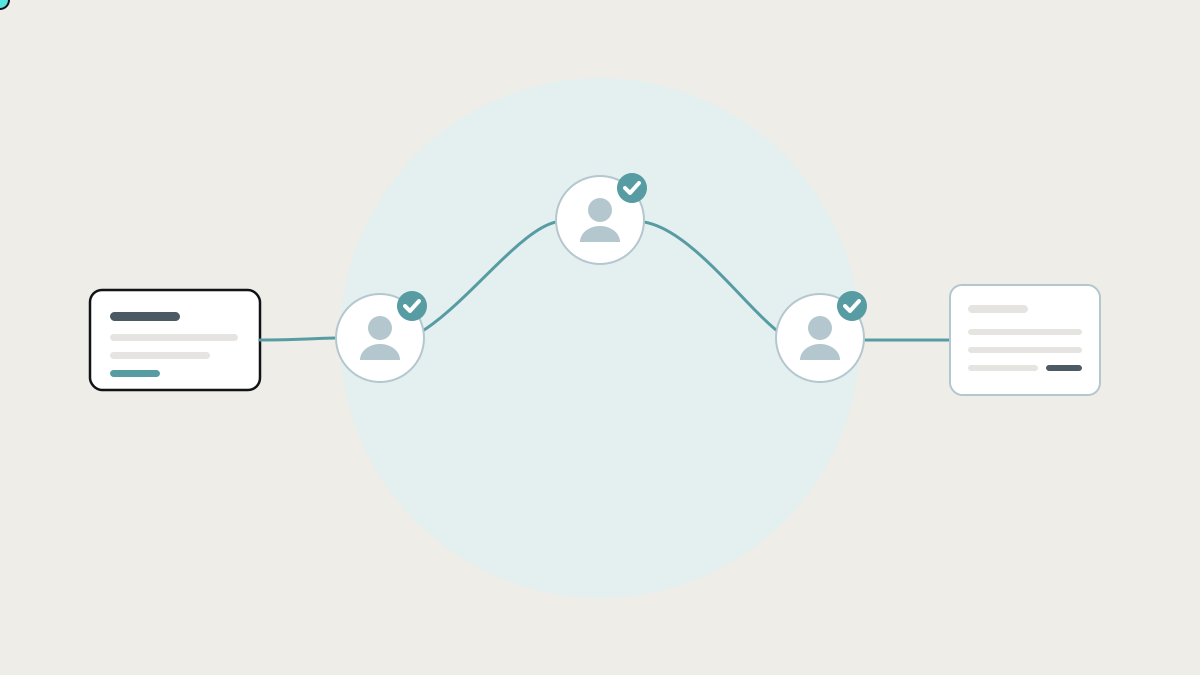
A purchase approval workflow protects the business and stops people chasing each other for a yes. What a good one looks like, what the fraud research says about weak controls, how the tools compare, and how to connect approvals to your accounting.
A purchase approval workflow is the set of steps a spending request goes through before money is committed: who can ask, who has to approve, at what amounts, and what record is kept. In many growing businesses it's an email chain or a WhatsApp message: "OK to order this?" "Yes." That works until you need to know who approved a purchase, why a supplier was paid twice, or how much is already committed this month.
This guide explains what a good approval workflow looks like, what the research says about weak controls, the tools that handle approvals and how each works, and how to connect approvals to the accounting and purchasing tools you already use.
What the research says about approvals and controls
- Weak controls are the most common opening for fraud. The Association of Certified Fraud Examiners' Occupational Fraud 2024: A Report to the Nations analysed 1,921 real cases investigated between January 2022 and September 2023 in 138 countries and territories. A lack of internal controls contributed to 32% of cases, and an override of existing controls to another 19%. (ACFE)
- Small businesses are hit hard. In the same report, organisations with fewer than 100 employees suffered a median loss of 141,000 US dollars per case, the second-largest of any size group, and were much less likely to have anti-fraud controls in place than larger organisations. (ACFE)
- Chasing approvals is work about work. Asana's Anatomy of Work Index found about 60% of working time goes on coordination, such as chasing status and searching for information, rather than skilled work. (Asana)
A good approval workflow does two things at once: it protects the business, and it stops people chasing each other for a yes.
What a good approval workflow looks like
- A structured request. What, why, how much, which supplier, which budget or job, and any quote attached, captured in a form rather than a free-text email.
- Rules by amount and type. Under a set amount, the line manager approves. Above it, finance as well. Capital purchases need a director. The rules decide, not whoever happens to be in the office.
- Separation of duties. The person who requests isn't the person who approves, and neither is the person who pays.
- Fast responses where people already are. Approve from email, a chat app or a phone in one tap, with the details and attachments in front of them.
- Reminders and escalation. If an approver doesn't respond, they're reminded. If they're away, the request goes to a delegate.
- A permanent record. Who requested, who approved, when, and what exactly they approved.
- A link to what happens next. The approved request becomes a purchase order, the bill is matched to it when it arrives, and payment only goes out for what was approved.
Most businesses have parts of this. The gap is usually step 7: the approval lives in one place and the purchase order, bill and payment live in others.
The tools that handle approvals, and how each works
Approvals inside your accounting software
How they work: accounting packages such as Xero and QuickBooks support purchase orders and bills, and some plans or editions add approval steps before they're sent or paid.
Where they shine: the approval sits right next to the financial record.
Where they stop: approval rules are usually simple, and approvers need access to the accounting system, which you may not want to give every manager.
Spend management tools: Ramp, Brex, Spendesk, Pleo and similar
How they work: company cards, bill pay and purchase requests with approval policies, receipts captured on the phone, and a sync to your accounting software.
Where they shine: controlling card and supplier spend with good mobile approval flows.
Where they stop: availability varies by country, and they control spend through their own cards and bill pay. Approvals that depend on your operational data, like "is this job over budget?", usually need information they don't have.
Workflow tools: Microsoft Power Automate, Slack Workflow Builder and form builders
How they work: Power Automate's approvals feature sends requests to approvers, who respond from an Outlook email, a Microsoft Teams card or the Power Automate action centre. It supports everyone-must-approve, first-to-respond and sequential approvals. (Microsoft Learn) Slack's Workflow Builder and form tools like Jotform can route simple requests for sign-off in a similar way.
Where they shine: quick, flexible approvals inside tools your team already uses every day.
Where they stop: the approval is a message, not part of your purchasing records. Linking it to the purchase order, the supplier's bill and the budget still takes extra work, and complex rules become hard to maintain in a flow designer.
Dedicated workflow and procurement software
How it works: workflow platforms such as Kissflow and procurement suites offer configurable approval chains, catalogues, budgets and supplier management.
Where it shines: larger organisations with formal procurement teams.
Where it stops: for a small business, it's often one more system to adopt and connect, with features you'll never use.
Where approvals break down
- Approval in one place, purchase in another. The yes is in an email, while the order is placed by phone and the bill arrives at accounts. Nobody can easily match the three.
- Rules live in people's heads. "Anything over a few thousand needs the director, except stock, which operations can approve." It's applied inconsistently and can't be audited.
- No view of committed spend. Approved-but-not-yet-invoiced purchases are invisible, so budgets look healthier than they are.
- Bottlenecks. One busy approver holds up every request, and work stops.
- Workarounds. Big purchases split into smaller ones to stay under a limit.
A connected approval workflow
The fix isn't another approval app. It's connecting the request, the approval, the order, the bill and the payment so they form one record:
- One request form, on a phone or desktop, that knows your suppliers, budgets, jobs and cost centres, pulled from your accounting and operations tools.
- Your rules in one place: amounts, categories, budgets, jobs, separation of duties and delegates, applied the same way every time.
- Approvals where people already work: email, Teams, Slack or a phone notification, with everything they need to decide in front of them.
- Automatic purchase order in your accounting software once approved, with the approval record attached.
- Matching when the bill arrives: the supplier's bill is checked against the approved order, and only differences need a person.
- A live view of committed spend by budget, job or department, including approved purchases not yet invoiced.
- A full audit trail from request to payment.
Your accounting package stays the financial record, and your team keeps using email and chat. The connections make the approval part of the purchase.
How to decide
- Few purchases, one approver, simple rules: use your accounting software's purchase orders and keep it simple.
- Mostly card and supplier spend, in a country they support: a spend management tool may cover most needs.
- Already on Microsoft 365, with straightforward approval chains: Power Automate approvals is a good start.
- Approvals that depend on jobs, budgets or stock in your own systems, or need a complete link from request to payment: a connected approval workflow built around the tools you keep.
Before you build: write your approval policy on one page
- List the types of spend: stock, subcontractors, equipment, software, travel.
- Set the thresholds for each, and who approves at each level.
- Name the delegates for when approvers are away.
- Define separation of duties: who can request, approve and pay.
- Decide what must be attached: quotes, specifications, budget codes.
- Write down what happens after approval: purchase order, delivery check, bill matching, payment.
That page becomes the specification for whichever tool you choose.
How we build approval workflows at Lephlo
Approval workflows are a common part of the internal tools and integrations we build. We put your rules in one place, let people approve where they already work, and connect each approval to the purchase order, bill and payment in the accounting software you already use, with a full audit trail.
It starts with a free consultation, ideally with your one-page policy, even a rough one. We scope the first version, give you a fixed price, and build it in short steps. You own the code, fixes are free during the fix period after launch, and we stay on hand as it grows.
Related reading: invoice and bank reconciliation and how to stop double data entry. To size a first version, try the Build Scope Planner, or book a free consultation.
Frequently asked questions
What is an approval workflow? A defined path a request follows to get a decision, such as who approves, at what amounts, and in what order, with a record of the outcome.
What is the difference between a purchase requisition and a purchase order? A requisition is an internal request to buy something. A purchase order is the approved order you send to the supplier. A good workflow turns an approved requisition into a purchase order automatically.
How many approvers should a purchase need? As few as your risk allows. Usually one approver for routine, low-value spend, and a second for higher amounts or unusual categories. Never let the requester approve their own purchase.
Can approvals work with Xero or QuickBooks? Yes. Approved requests can create purchase orders in your accounting software through its API, and bills can be matched back to them when they arrive.
This isn't legal or accounting advice, right? Right. Your accountant or auditor should review your control policy. This guide is about making whatever policy you choose easy to follow.
Sources
- Association of Certified Fraud Examiners, Occupational Fraud 2024: A Report to the Nations
- Asana, Anatomy of Work Index: Why work about work is bad
- Microsoft Learn, Get started with Power Automate approvals