Staffing agency software: what to buy and what to build
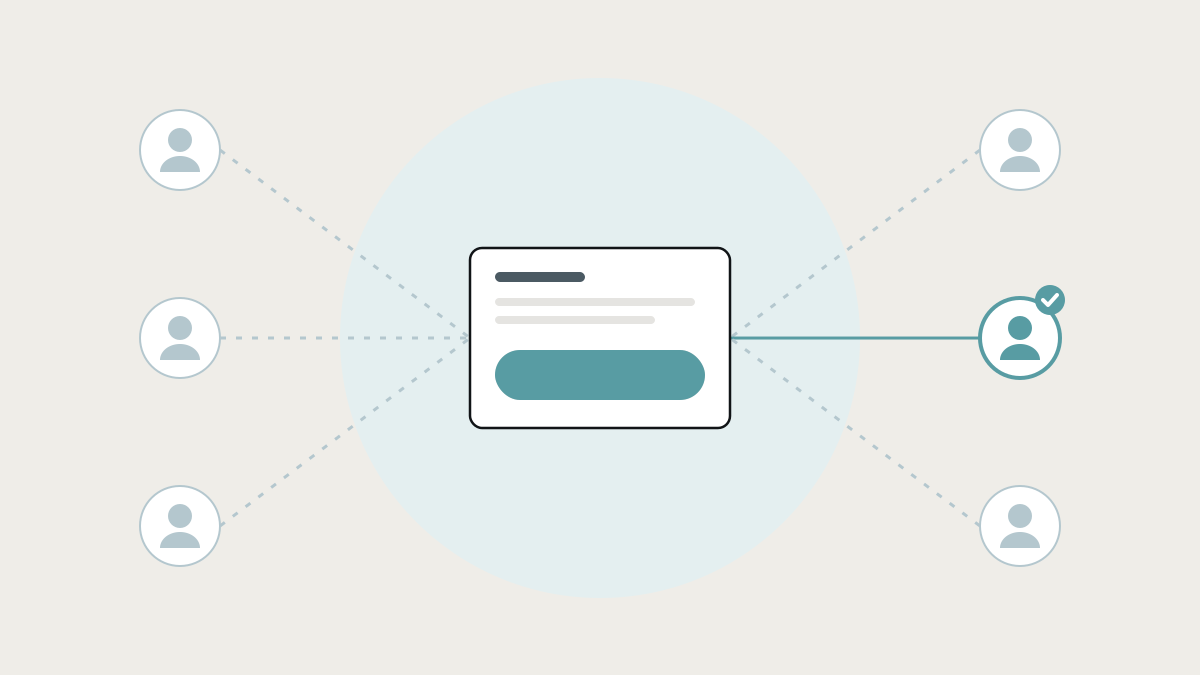
Most staffing agencies run several products, and the work between them is where coordinators spend their days. How Bullhorn, JobAdder, TempWorks and scheduling apps compare, and how to connect the pieces.
Staffing agency software covers the systems a recruitment or staffing business runs on: finding and managing candidates, managing clients and jobs, placing workers, scheduling shifts, tracking time, and paying workers and billing clients. Most agencies use several products for this, and the work that falls between them, like matching, onboarding, shift cover, timesheets and compliance, is where coordinators spend their days.
This guide compares the main staffing software and how it works, explains where it stops, and shows how agencies connect the tools they already have, or build the missing pieces, so coordinators spend less time on the phone and in spreadsheets.
What the research says
- Staffing is a high-volume business. The American Staffing Association reports that nearly 2.2 million temporary and contract employees worked for US staffing companies in an average week in 2024, and that staffing companies hired 12.7 million temporary and contract employees during 2023. (American Staffing Association) Volume like that makes every manual step expensive.
- Coordination eats the working day. Asana's Anatomy of Work Index found about 60% of working time goes on "work about work", including chasing status and searching for information. (Asana) For a staffing coordinator, that's finding who's available, chasing documents and confirming shifts.
- Fragmented tools make it worse. Freshworks' 2025 Cost of Complexity Report found employees, mostly at larger firms, juggle about 15 software tools and lose nearly seven hours a week to complicated processes and fragmented tools. (Freshworks)
What a staffing agency's systems need to cover
- Candidates: sourcing, applications, CVs, skills, availability, right-to-work and compliance documents.
- Clients and jobs: contacts, sites, job orders, rates and terms.
- Matching and placement: the right worker for each role or shift, quickly.
- Onboarding: documents, checks, contracts and training, before the first shift.
- Scheduling and shift cover: rosters, open shifts, no-shows and replacements.
- Time and attendance: timesheets, clock-in, approvals by the client.
- Pay and bill: paying workers and invoicing clients from the same approved hours.
- Compliance: working-hour limits, rest periods, certifications, expiry dates and audit trails.
No single product does all eight well for every type of agency, which is why most agencies run a mix.
The staffing software, and how it works
Staffing and recruitment CRMs: Bullhorn, JobAdder, Vincere and Recruit CRM
How they work: an applicant tracking system and CRM combined, covering candidates, clients, job orders, pipelines, job board posting and email. Bullhorn is widely used by larger staffing firms. JobAdder, Vincere and Recruit CRM are common with small and mid-sized agencies.
Where they shine: the recruitment side, meaning finding candidates, managing clients and tracking placements.
Where they stop: they're strongest on permanent and contract recruitment workflows. High-volume shift work, last-minute cover, on-site attendance and pay-and-bill often need other tools or add-ons.
Temp staffing back-office: TempWorks and similar
How they work: back-office systems built for temporary staffing, covering onboarding, time entry, payroll and client billing for workers on assignment.
Where they shine: agencies with large temporary workforces that need pay-and-bill done correctly.
Where they stop: they're often country-specific, and are typically sold to agencies of a certain size.
Shift scheduling apps: Deputy, When I Work, Connecteam and similar
How they work: rosters, shift swaps, open shifts, clock-in on a phone, timesheets and messaging for hourly workforces.
Where they shine: getting rotas onto workers' phones and capturing hours.
Where they stop: they're designed for an employer scheduling its own staff. Agency specifics, like placing workers at many clients' sites, client-specific requirements and billing rates, and staffing compliance rules, often don't fit cleanly.
Spreadsheets, WhatsApp and phone calls
How it works: the roster in a spreadsheet, shifts offered in WhatsApp groups, no-shows covered by phoning down a list.
Where it shines: it's fast to start and everyone already has it.
Where it stops: coordinators burn hours on the phone, the first available person isn't always the right or fairest choice, and nobody can prove hours limits were respected.
Where the gaps are
Even agencies with good software usually have these gaps between products:
- Candidates are retyped from the CRM into the scheduling tool and into payroll.
- Onboarding is chased by email, with documents saved in folders and expiry dates in someone's calendar.
- No-shows are covered by phone, one worker at a time, with no check that the replacement is qualified or within hour limits.
- Timesheets are reconciled by hand between the scheduling app, client approvals, payroll and invoicing.
- Compliance is invisible until an audit or a problem.
- Clients email for updates because they can't see their shifts, workers or timesheets.
Connecting the pieces: what a joined-up staffing system looks like
Most agencies don't need to replace their CRM. They need the pieces around it connected:
- One worker record shared by the CRM, scheduling, onboarding and payroll, so details are entered once.
- Onboarding that runs itself: document requests, reminders, checks and expiry alerts, with the worker only shown as available once they're compliant.
- Shift cover that offers the work fairly and instantly: when a shift opens, it goes to every worker who is free, qualified for that site and within working-hour limits, and a coordinator confirms.
- Hours that flow once: approved hours move from the shift record to payroll and client invoicing in your accounting software, without retyping.
- Compliance built in: hour limits, rest periods and certifications checked before a shift is offered, not after.
- A client view: their upcoming shifts, assigned workers and timesheets for approval.
Your recruiters keep the CRM they know, and finance keeps its payroll and accounting tools. The connected layer handles the work in between.
Our own example: a shift cover and leave app
We built a shift cover and leave app in-house for manpower and staffing companies that deploy frontline workers on shifts. When someone doesn't report for a shift, a coordinator would normally go room to room or phone people one at a time. The app instead offers the open shift to every worker who is free, qualified for the site, and within the overtime and rest limits that apply. A supervisor confirms who covers it. It takes staff records from the company's existing HR system rather than replacing it, and handles leave requests in the same place. Read the case study.
How to decide
- Mainly permanent or contract recruitment: a staffing CRM like Bullhorn, JobAdder, Vincere or Recruit CRM, connected to your accounting.
- A large temporary workforce, with heavy pay-and-bill: a temp staffing back-office system.
- Shift-based placements, with cover and compliance as your daily headache: keep your CRM, and connect or build the scheduling, cover and compliance pieces around it.
- A model no product fits, like specialist compliance, unusual contracts or a particular country's rules: a custom system connected to the tools you keep.
Before you choose: map a week
- List every tool and channel coordinators use in a week, including WhatsApp and spreadsheets.
- Follow one worker from application to first payslip, and one shift from order to invoice.
- Count the retyping and the phone calls.
- Note the compliance checks that happen by memory rather than by system.
- Pick the most painful gap to fix first. Often it's no-show cover or timesheets.
How we help staffing agencies at Lephlo
Staffing agencies are one of the industries we build for. We build internal tools and integrations that connect your CRM, scheduling, HR and accounting tools around one worker record, plus the pieces the products leave out, like shift cover, onboarding and compliance checks.
It starts with a free consultation where we map a week of your coordinators' work. We scope the first improvement, give you a fixed price for it, and build it in short steps. You own the code, fixes are free during the fix period after launch, and we stay on hand as you grow.
Related reading: how to stop double data entry and internal tools: the apps you already use, and how to connect them. To size a first version, try the Build Scope Planner, or book a free consultation.
Frequently asked questions
What software do staffing agencies use? Usually a staffing CRM or applicant tracking system for candidates and clients, plus tools for scheduling, time and attendance, payroll and accounting, and often spreadsheets and messaging apps for the gaps.
What is the best staffing software for a small agency? For recruitment, small agencies often choose JobAdder, Vincere or Recruit CRM. For shift-based work, the scheduling, cover and timesheet pieces matter as much as the CRM, and may need connecting or building.
Can staffing software handle working-hour limits? Some can, for some countries. If your rules are specific, they need to be checked before a shift is offered, which often means a custom rule connected to your scheduling.
Do we need to replace our CRM to fix scheduling and cover? Usually not. The CRM can stay the home of candidates and clients, with scheduling, cover and timesheets connected to it.
Sources
- American Staffing Association, Staffing Industry Statistics
- Asana, Anatomy of Work Index: Why work about work is bad
- Freshworks, The Cost of Complexity Report (November 2025)