Custom CRM vs off-the-shelf: when building your own makes sense
The real question isn't custom or off-the-shelf. It's which parts of your customer process a standard CRM should handle, and which parts it keeps getting wrong. How HubSpot, Pipedrive, Zoho and Salesforce compare, and the option most businesses miss.
A custom CRM is customer relationship software built around your own sales and service process, rather than a general-purpose product you adapt to fit. The question most growing businesses actually face isn't "custom or off-the-shelf?" It is "which parts of our customer process should a standard CRM handle, and which parts does it keep getting wrong?"
This guide compares the main off-the-shelf CRMs and how they work, explains where each stops, and shows the option most businesses overlook: keeping the CRM your team already uses, and building the missing pieces around it.
What the research says about CRMs and selling time
- Salespeople spend most of their week not selling. Salesforce's fifth State of Sales report, based on 7,775 responses from sales professionals in 2022, found reps spend just 28% of their time selling. The other 72% goes on tasks like deal management and data entry. (Salesforce)
- People lose time to the gaps between tools. Freshworks' 2025 Cost of Complexity Report, a survey of 706 practitioners and decision-makers mostly at larger firms, found employees juggle about 15 software tools and lose nearly seven hours a week to complicated processes and fragmented tools. (Freshworks)
A CRM is meant to give that time back. It often adds to it instead: one more place to type the same customer details, which then don't flow into quoting, delivery or invoicing.
What a CRM needs to do
Whatever you call it, your customer system has to cover the same journey:
- Capture the enquiry from the website, email, phone, WhatsApp or a referral, without retyping.
- Track the opportunity through your stages, with the next action and who owns it.
- Quote using your real prices, rules and approvals.
- Hand over a won deal to the people who deliver it, with everything they need.
- Invoice and collect, ideally without anyone copying the deal into the accounting package.
- Keep the relationship going: renewals, repeat orders, follow-ups, service history.
Standard CRMs are strong on steps 1, 2 and 6. Steps 3, 4 and 5, quoting, handover and invoicing, are where your business differs from everyone else's, and where the copying usually happens.
The off-the-shelf CRMs, and how they work
HubSpot
How it works: a free core CRM for contacts, companies and deals, with paid "hubs" that add marketing, sales, service and operations features. Strong email tracking, forms and a large marketplace of integrations.
Where it shines: marketing-led businesses that want enquiries, email and pipeline in one easy tool.
Where it stops: costs rise as you add hubs and seats. Complex quoting rules, industry workflows and operations after the sale usually need integrations or workarounds.
Pipedrive
How it works: a pipeline-first CRM. Deals move across columns, each with its next activity, and the design keeps salespeople focused on the next step.
Where it shines: small sales teams with a clear, linear sales process.
Where it stops: it is deliberately focused on sales. Anything after "won" lives elsewhere.
Zoho CRM
How it works: a highly configurable CRM in a large family of Zoho apps covering books, projects, desk and more, with custom modules and workflow rules.
Where it shines: businesses that want breadth and are happy to live inside the Zoho suite.
Where it stops: configuration takes real effort, and connecting it to non-Zoho tools puts you back to integrations.
Salesforce
How it works: the most customisable mainstream CRM: custom objects, automation, approval processes and a huge ecosystem of apps and consultants.
Where it shines: larger, complex sales organisations with an administrator to own it.
Where it stops: for a small business, the power comes with cost and complexity, and it usually needs a specialist to set up and maintain.
No-code CRMs: Airtable, Knack and similar
How they work: you design your own tables, such as clients, sites, contracts and jobs, and build simple views and forms on top.
Where they shine: businesses whose "customer" doesn't fit a standard CRM, like a staffing agency with clients, candidates and placements, or a property business with landlords, tenants and units.
Where they stop: you become the CRM vendor. Permissions, reporting and integrations all have to be built and maintained by you, and the data is one more island.
When off-the-shelf is the right answer
Buy a standard CRM, and don't customise much, when:
- Your sales process is broadly the same as everyone else's in your industry.
- Most of what you need is contacts, emails, a pipeline and reminders.
- Your team is small and you'd rather adapt your process than maintain software.
- Quoting is simple, and what happens after a sale is simple too.
That describes a lot of businesses, and for them a custom CRM would be a waste of money.
When a CRM keeps getting in the way
These are the signs that a standard CRM has stopped fitting:
- Quotes are built in a spreadsheet and pasted into the CRM, because the pricing rules are too specific.
- Won deals are retyped into a job system, a project tool or the accounting package.
- Your "customer" has a shape the CRM doesn't, like sites, units, candidates, assets or contracts, so data is squeezed into notes fields.
- Sales and operations disagree about status, because each has its own copy.
- You pay for seats for people who only need to see one screen.
- Workarounds have their own workarounds: a dozen automations hold the process together.
Three options, not two
1. Configure a standard CRM
Use custom fields, pipelines and the CRM's own automation. This is cheapest, and right if the gaps are small.
2. Keep your CRM, and connect the missing pieces around it
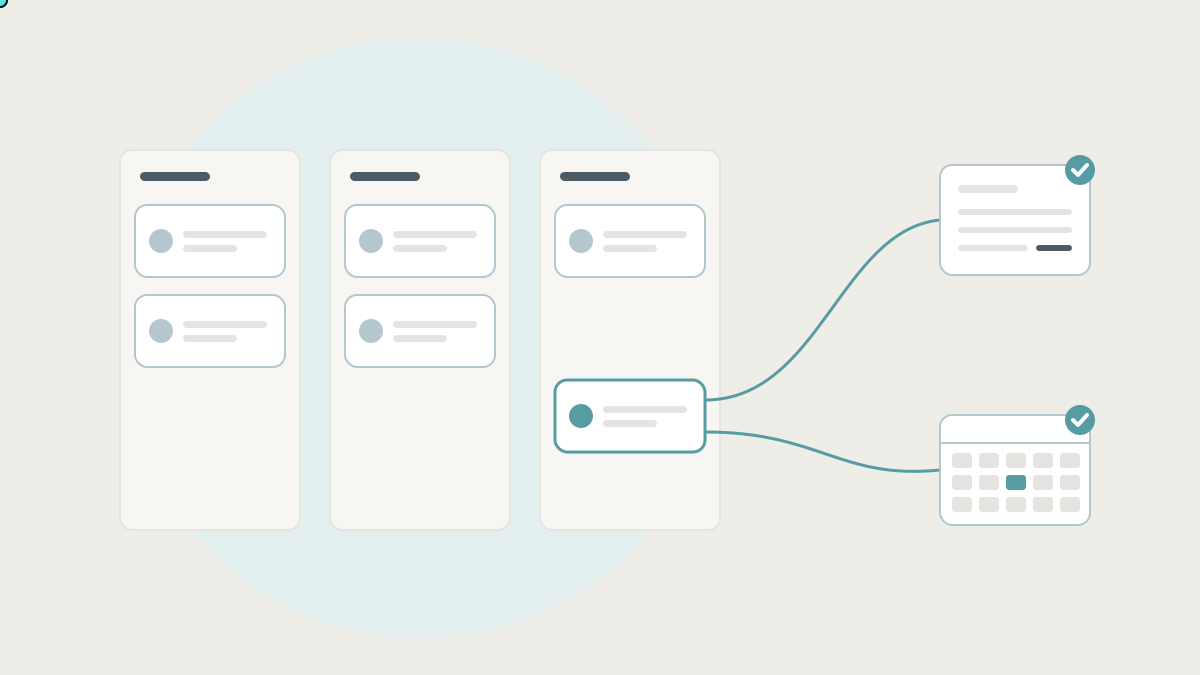
This is the option most businesses overlook. Your team keeps the CRM they know for contacts, email and pipeline. Around it, you add the parts it can't do well:
- A quote builder with your real pricing rules and approvals, which writes the quote back to the deal.
- An automatic handover: when a deal is won, the job, project or order is created in the delivery tool with everything attached.
- Two-way sync with accounting, so invoices are raised from the deal and payment status flows back to the CRM.
- One shared customer record that links the CRM contact, the accounting customer and the delivery history.
- A status view that sales, operations and finance all trust.
Nothing is replaced. The CRM remains the place for relationships, and the gaps between it and the rest of the business are closed.
3. Build a custom CRM
Build the customer system itself when your customer model and process are genuinely your own, such as a staffing agency's clients, candidates, placements and timesheets, and a standard CRM would need so much bending that it becomes a liability. Even then, it should connect to the email, calendar and accounting tools your team already uses.
How to decide
- A standard sales process, and little happens after the sale: configure HubSpot, Pipedrive or Zoho, and stop there.
- A standard sales process, but quoting, handover or invoicing are specific to you: keep your CRM and connect the missing pieces around it.
- Your customer data has a shape no CRM fits, and the process is core to how you compete: a custom CRM, connected to the rest of your tools.
- You're a large, complex sales organisation: Salesforce, with someone to own it.
Before you decide: map the customer journey
- Write down every step from first enquiry to paid invoice and repeat business.
- Next to each step, write the tool where it happens today.
- Circle every place someone retypes customer or deal details.
- Note what each step needs that your CRM doesn't do.
- Count the circles. One or two suggests configuration. Several, clustered after "won", suggests connecting the pieces. Circles everywhere, plus data the CRM can't model, suggests a custom CRM.
How we approach CRMs at Lephlo
We don't start by recommending a custom CRM. We start by looking at how you win and deliver work today. Often the answer is to keep the CRM your team already uses and build the quote builder, handover and accounting sync it can't do. That is part of the internal tools and integrations we build. Where a custom CRM really is the right call, we build it around your process and connect it to the tools you keep.
It starts with a free consultation. We scope the first version, give you a fixed price for it, and build it in short steps. You own the code and the data, fixes are free during the fix period after launch, and we stay on hand as it grows.
Related reading: how to stop double data entry between your systems and internal tools: the apps you already use, and how to connect them. To size a first version, try the Build Scope Planner, or book a free consultation.
Frequently asked questions
Is it worth building our own CRM? Only when your customer data and process are specific enough that a standard CRM would need constant workarounds. For many businesses, connecting a standard CRM to the rest of their tools gets most of the benefit for a fraction of the effort.
Can a custom quote builder work with HubSpot or Pipedrive? Yes. Both let other software read and write deals through an API, so a quote builder can use your pricing rules and attach the quote to the deal.
Will we lose our data if we move off a CRM? Most CRMs let you export contacts, companies and deals. Emails, files and automation rules are harder to move, so plan the migration before you commit.
Do we need a CRM at all if we have a custom system? Sometimes not. If a custom system already tracks customers, enquiries and follow-ups, a separate CRM may only add another place to type. The test is whether every team works from one record.
Sources
- Salesforce, State of Sales, fifth edition
- Freshworks, The Cost of Complexity Report (November 2025)